Fortibia
FTC client
The official client includes the best BOT Assistant out there: hunting, healing, CaveBOT, tools, alarms, presets, and more; plus a revolutionary voice chat system and BOT Coins purchases with in-game gold.
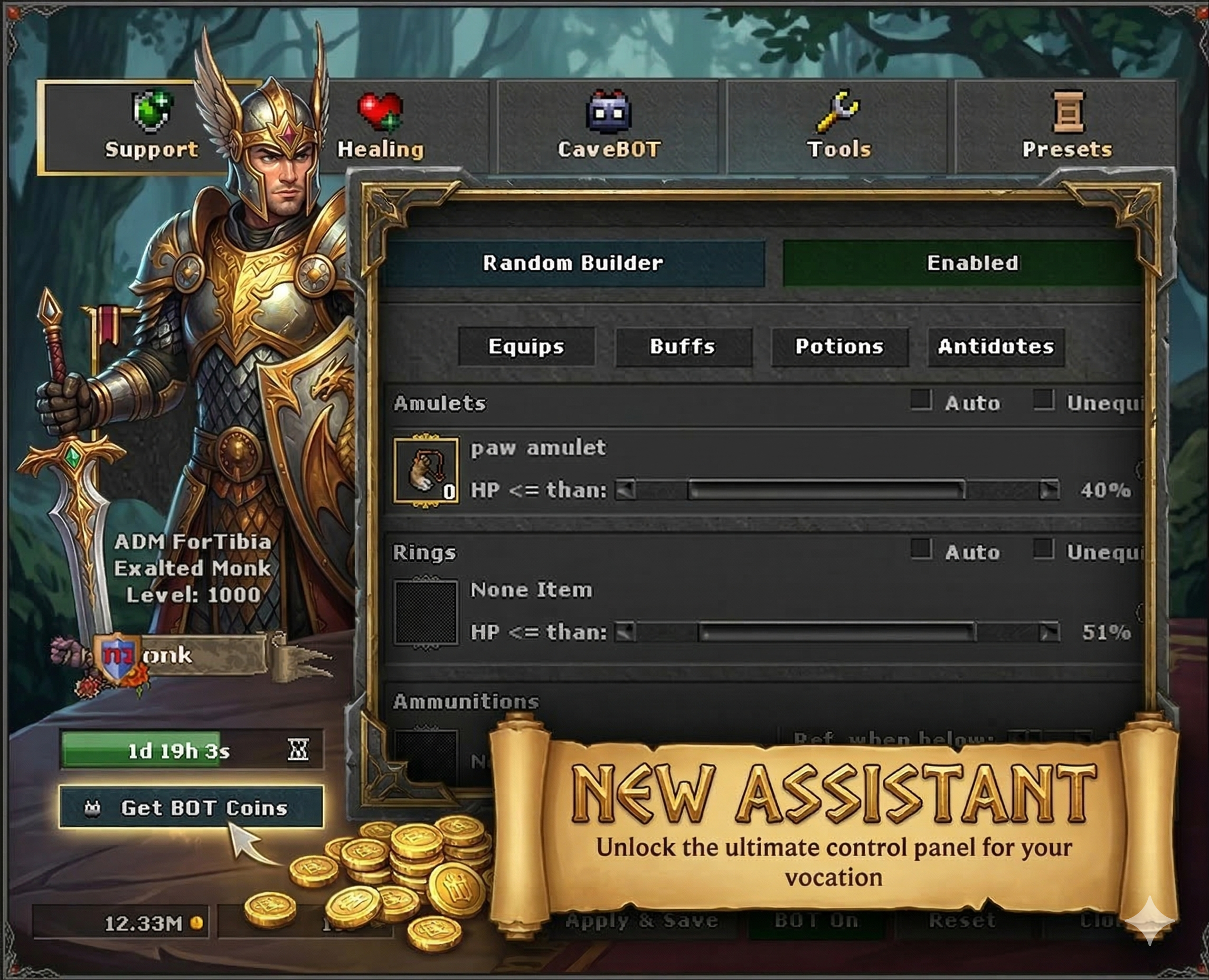
BOT Assistant
The assistant is split into clear areas: Hunting, Healing, CaveBOT, Tools, Presets, and support (amulet, ring, buffs). Healing covers spells, potions, and runes, party healing lists, priorities, and Smart Builder. Combat includes attack spells and runes; Smart Attack helps with facing and avoiding allies. You also get alarms and built-in voice chat.
- CaveBOT: routes, waypoints, presets, and pause — all in one dedicated panel.
- Tools: handy routines (e.g. eat, idle) with their own Smart Builder.
- When BOT hours run out, the client points you to extend time with BOT Coins from your character profile.
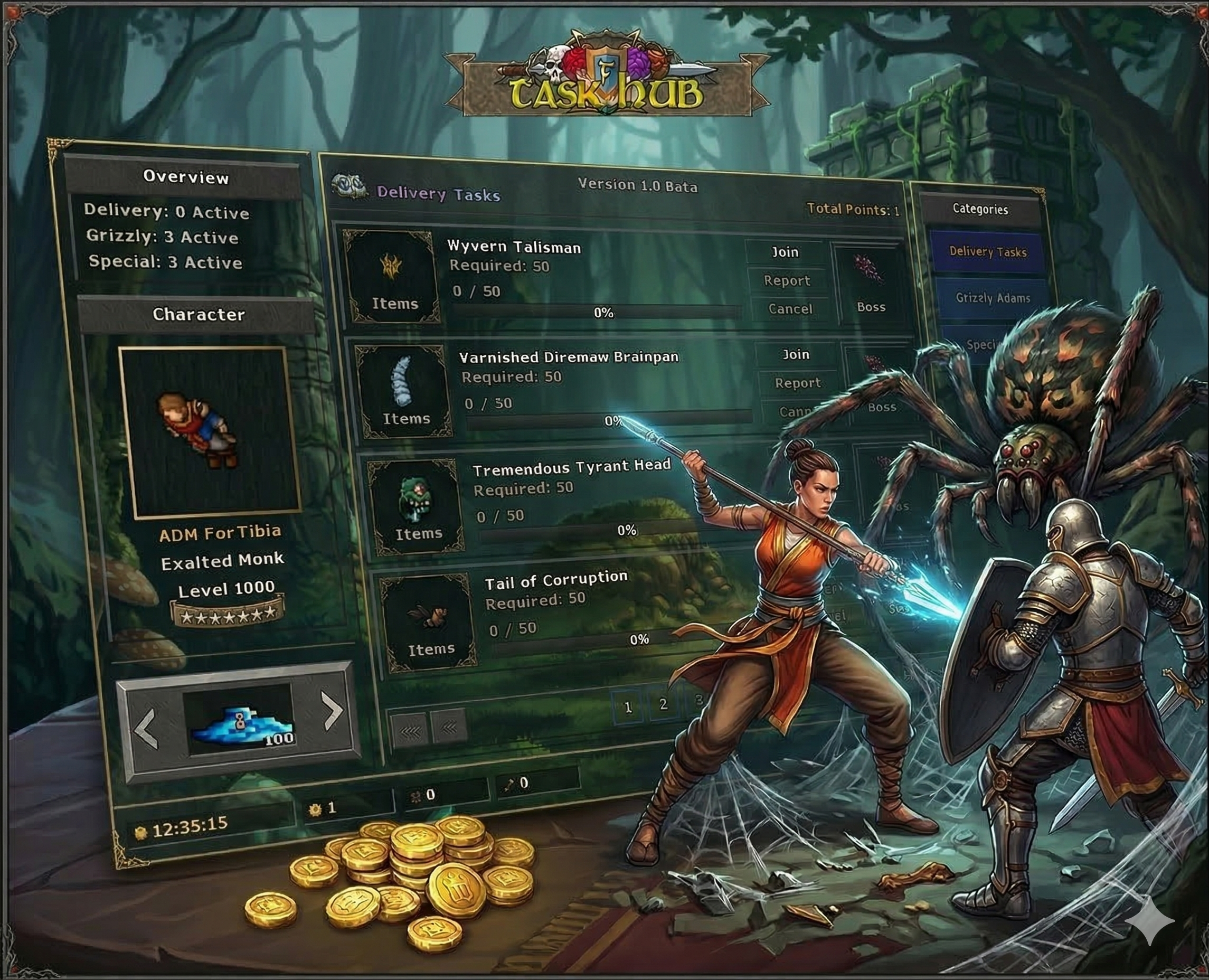
Task Hub
The client's built-in assistant helps you organize and optimize hunting sessions, including Daily Tasks, Special Tasks, Paw & Fur, and Delivery Items. With the Task Hub, you stay in control without leaving the UI: request new tasks, track status, cancel missions, claim rewards, and trade items with Grizzly Adams — all from the interface.
Remember: even though the Task Hub streamlines those actions and shows your progress visually, the missions themselves — objective requirements, boss access, and reward mechanics — still follow the server's rules. For in-depth details on each challenge, use our wiki guides or explore the game.
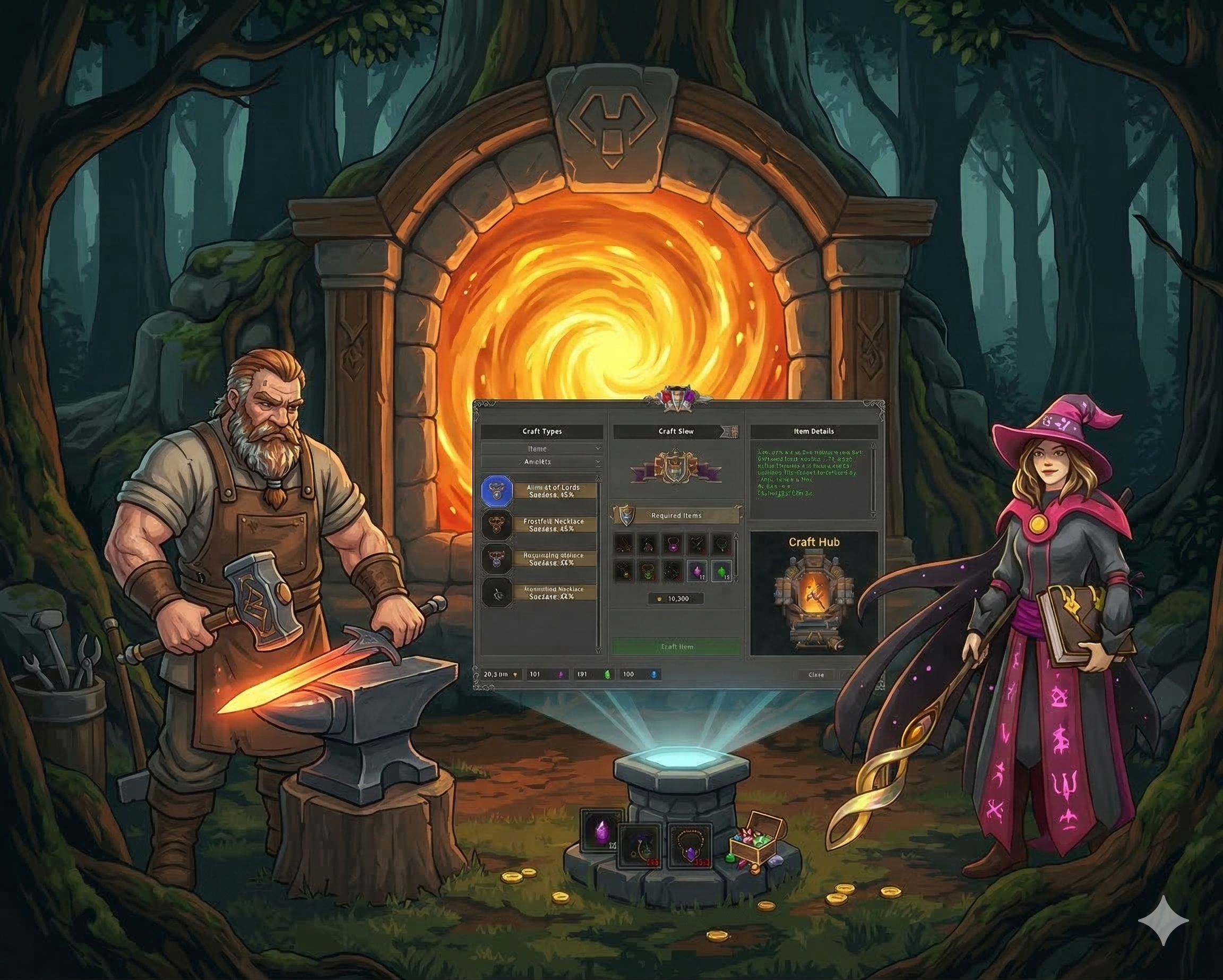
Craft Hub
The Craft window connects you directly to the server through an intuitive interface, bringing together everything you need to create new gear and cosmetics.
- Information panel: Browse categories with ease. The UI lists every available recipe and shows in real time how many materials you already carry in your inventory.
- Diverse creations: The system goes beyond basic equipment, letting you craft varied items, mounts, and exclusive outfits, depending on what the game has enabled.
- Requirements and challenges: Forging takes preparation. Each recipe needs a specific set of materials and has its own success and failure rates.
- Real-time feedback: While the server processes your craft request, the client shows animations and on-screen alerts so you see the outcome of your attempt right away.
Server-specific recipes and economy remain in the wiki craft guide.
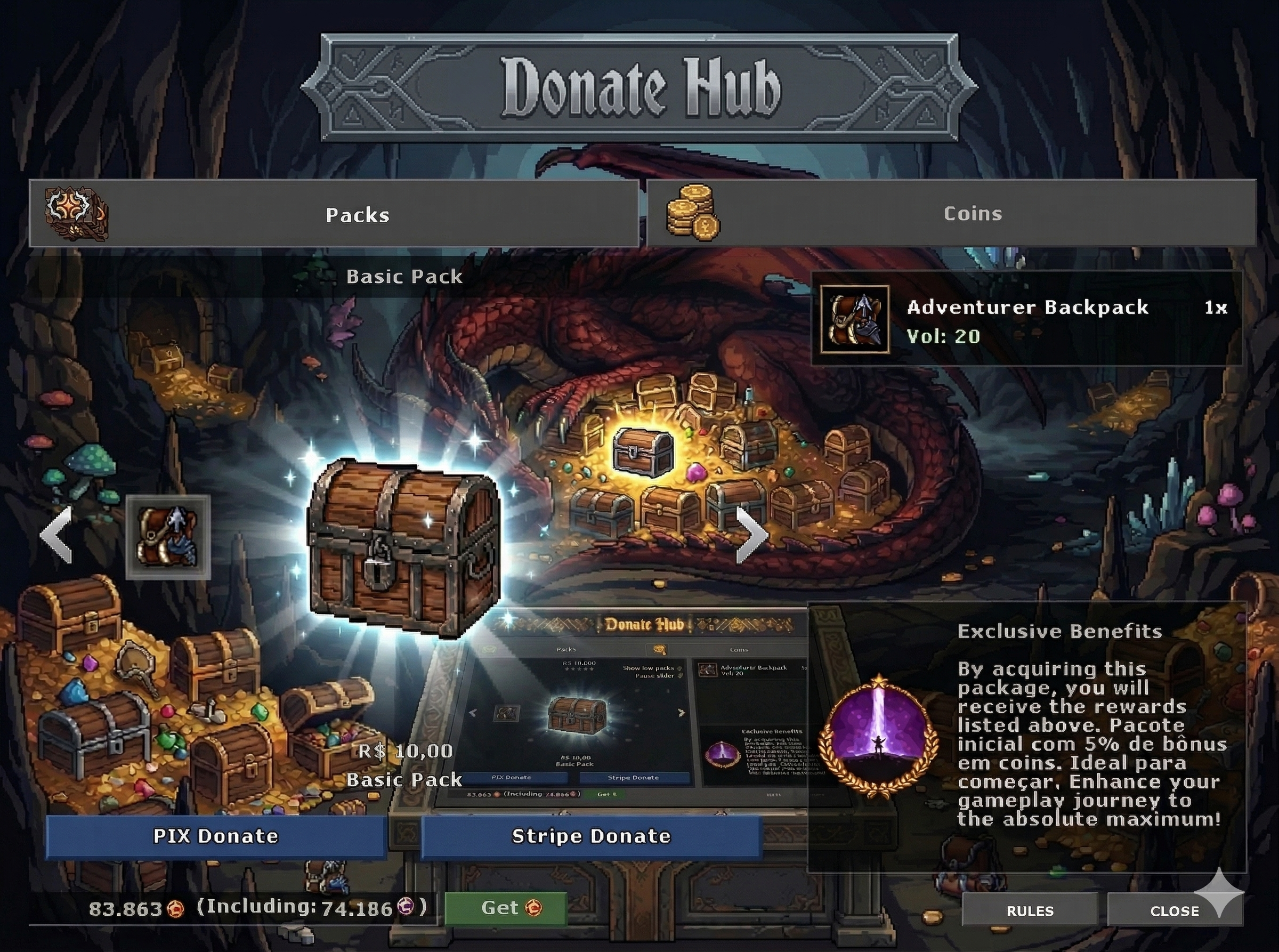
Donate Hub
To support a healthy market and curb inflation, the BOT requires BOT Coins. The system acts as a natural gold sink, valuing player effort.
- Exclusive currency: BOT Coins are purchased only with in-game gold coins. For server balance, they cannot be bought with Tibia Coins.
- Simple purchase: Buying is done in-game, directly through the BOT interface.
- Usage time: Each BOT Coin grants 70 hours of active use (about 3 days of continuous activity).
- Automatic alerts: The client warns you automatically when your usage time or balance is nearly exhausted.
- Presets: We strongly recommend creating and saving configuration presets on your computer, so you can load ready-made, optimized setups for each hunt or vocation.
CaveBot | Smart, secure automation
Our CaveBot system is built for convenience and maximum safety during your hunts. Highlights:
- Smart Builder: Picks the most suitable settings for your vocation automatically, so you perform better from the start.
- Total safety: Advanced tools to keep hunts as safe as possible — PK alerts, prevention systems, anti-stuck warnings, plus detailed healing rules.
- Combat control: Set precise target priorities with Smart Attack, manage your creature list, and switch between attack modes.
- Waypoint builder & sharing: Create routes intuitively. Export and share setups with other players — great for an active community and even a market for basic scripts.
- Simplified UI: Shortcut icons on your HUD keep everything fast and fluid.